
Apply for grants. Get funded faster with Groundswell.
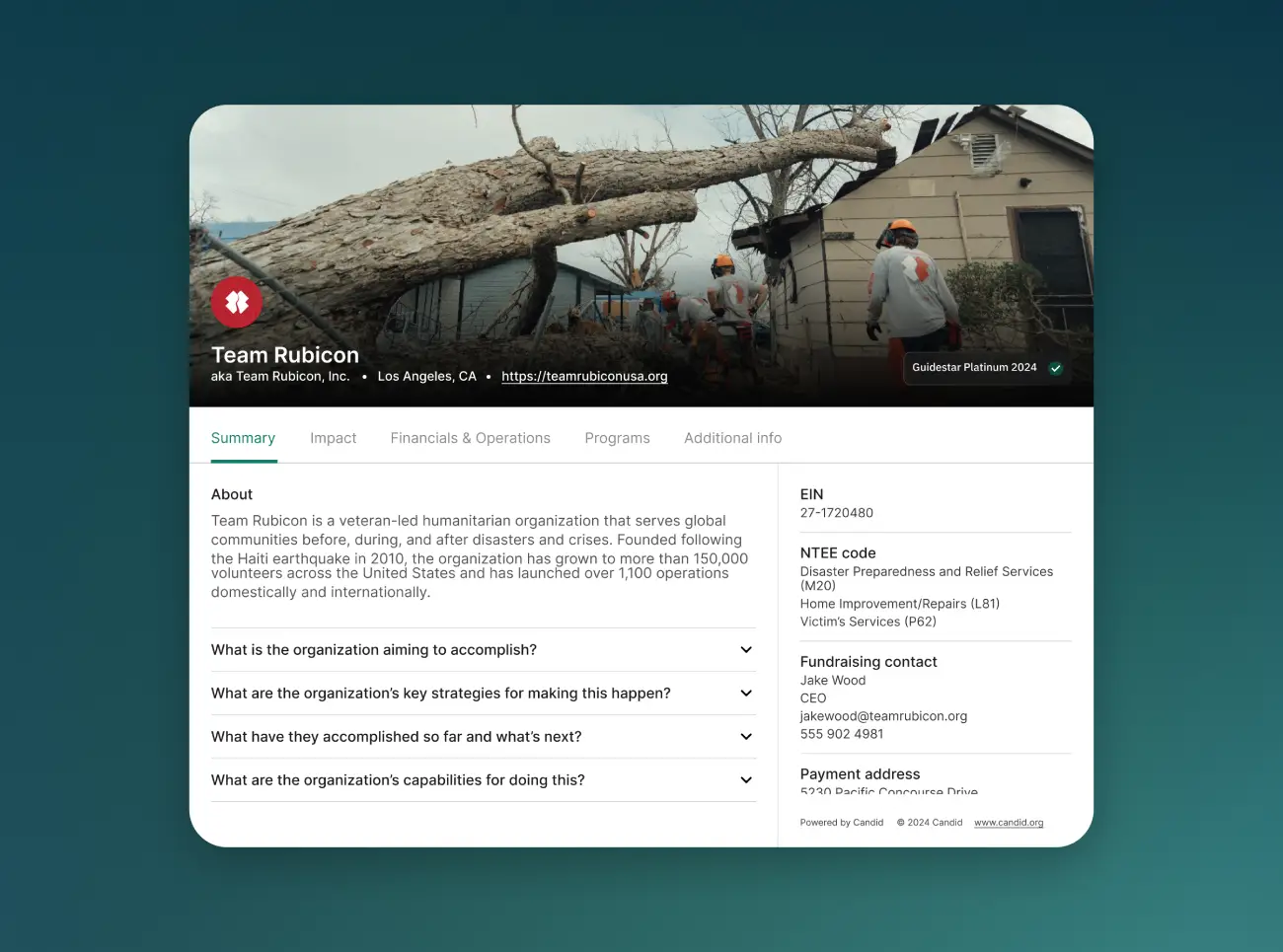
Your nonprofit deserves more than busywork. Create a Groundswell profile and access funding opportunities—without the delays of traditional grant processes.

Trusted by





.avif)
.avif)





A simpler way to access and manage funding
Easily apply to grant opportunities that fit your mission.
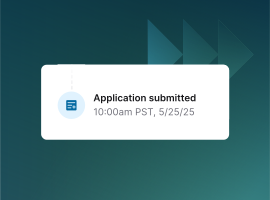
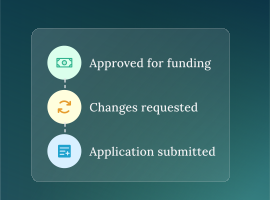
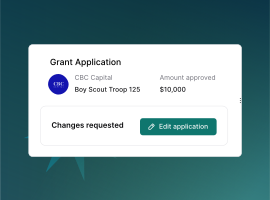
Find new opportunities, track your applications, and manage reporting, all from a single dashboard.
Frequently asked questions
Groundswell is a trusted platform that companies use to manage their corporate giving, grants, and employee social impact programs.
In addition, we offer a nonprofit portal — a dedicated space for nonprofits to manage their relationships with Groundswell customers. Through this portal, your organization can:
- Apply for grants
- Submit required documentation and reports
- Track and manage ongoing partnerships with multiple companies
By creating a free nonprofit account, your organization can securely access all grant opportunities and manage all your company relationships in one central place, separate from the corporate-facing Groundswell platform.
Many companies use Groundswell to manage their grant programs, applications, reporting, and ongoing nonprofit partnerships.
Creating a free nonprofit account allows you to:
- Apply for grants
- Manage active grants
- Submit required reports or documentation
- Access funding opportunities from multiple companies in one place
- Reach out to companies for partnership requests (coming soon)
One account gives you a single, streamlined way to manage all your corporate funding relationships on Groundswell.
Click Get verified and start applying and search for your organization using your EIN. Share a few contact details with us and if required, we'll complete a short verification process to confirm your nonprofit status. On average, the verification process takes 3-5 business days. Once verified, you’ll gain access to the nonprofit portal where you can apply for and manage grants.
First, try searching using your EIN — this is the most accurate way to locate your organization.
If you still can’t find your nonprofit, you’ll have the option to submit your organization for review during the account creation process by clicking Submit a request.
If a company has invited your organization to apply to a grant, you’ll receive an email notification with details about the grant program and next steps. If your account has been verified and you still can't see the application, return to the original link in the request (either in your email or on the company's site), and click the link again.
The All-in-One Platform for Social Impact Leaders

_BestRelationship_Enterprise_Total.svg)
_BestSupport_Enterprise_QualityOfSupport.svg)
_BestUsability_Total.svg)
_HighPerformer_Enterprise_HighPerformer.svg)
_UsersMostLikelyToRecommend_Nps.svg)

_MomentumLeader_Leader.svg)